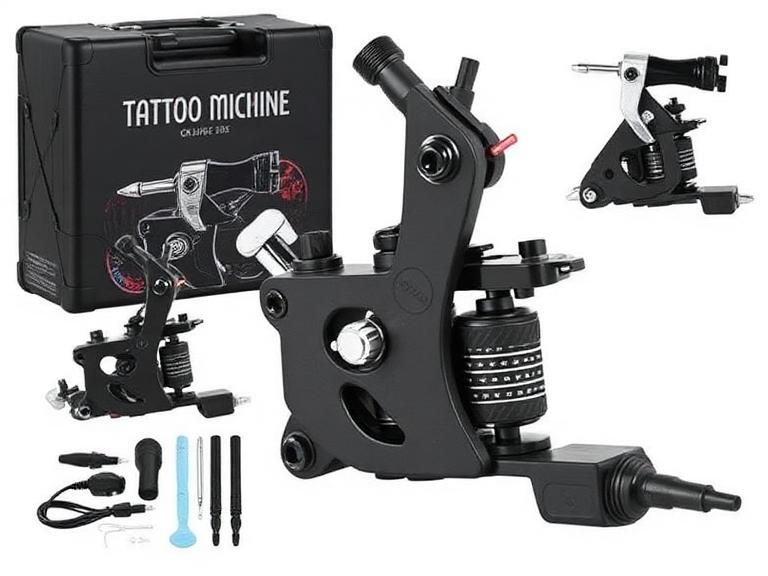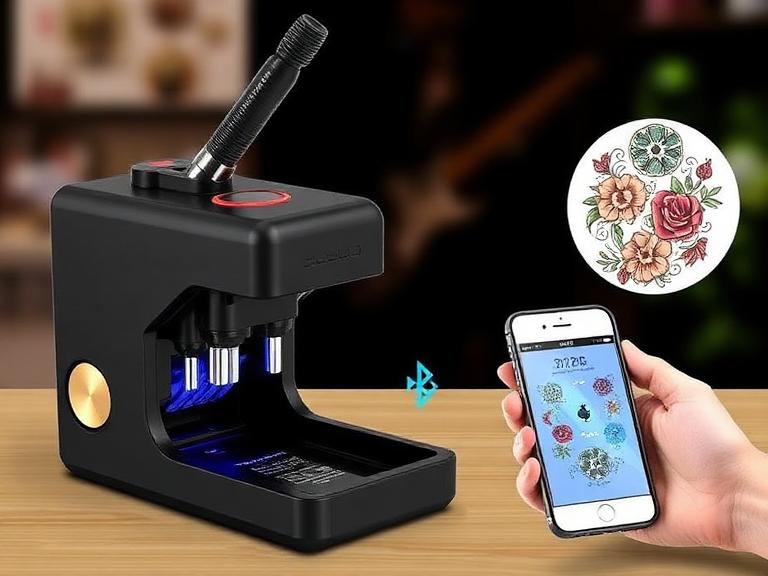
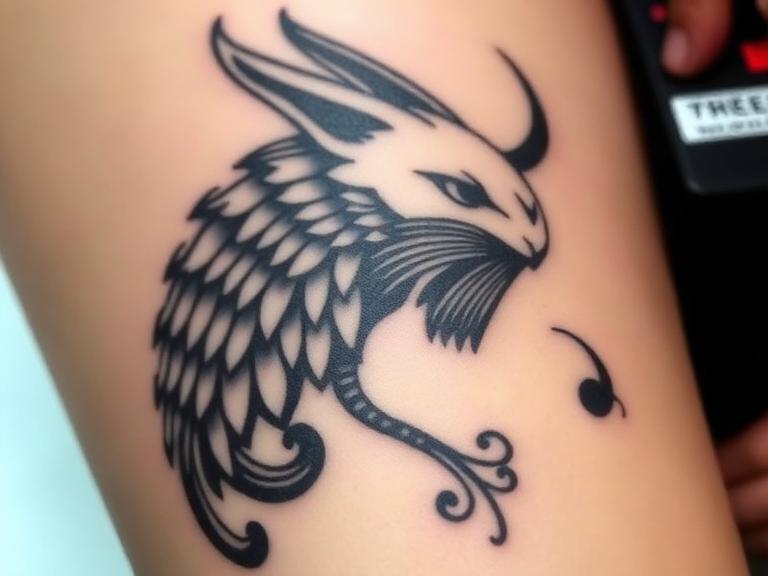
Let us confront a harsh reality immediately: if you are attempting to execute high-end black-and-grey portraits or micro-realism color pieces using a standard, entry-level thermal copier, you are sabotaging your own artwork before the needle ever touches the skin. Realism requires depth, mid-tones, light washes, and intricate mapping. Traditional stencil copiers operate on a strict binary threshold—they read an image as pure black or pure white, destroying the subtle gradients that serve as your roadmap. In our testing, attempting to tattoo realism off a binary stencil leads to heavy-handed shading and lost proportions.

From our experience supplying the industry's top artists at INKSOUL®, the commercial standard has aggressively shifted. You no longer need to manually trace portraits over a light box for three hours. The modern solution lies in high-DPI, Bluetooth-enabled thermal printers engineered specifically for shadow recognition. While there are over twenty viable thermal printers on the market today, the vast majority are designed for simple line work or office documents. Today, we will aggressively filter this list down to the absolute best tattoo stencil printer for realism applications, evaluating exactly what makes a machine capable of translating complex photographic references into workable, transferrable carbon.
Quick Answer: The Best Tattoo Stencil Printer for Realism
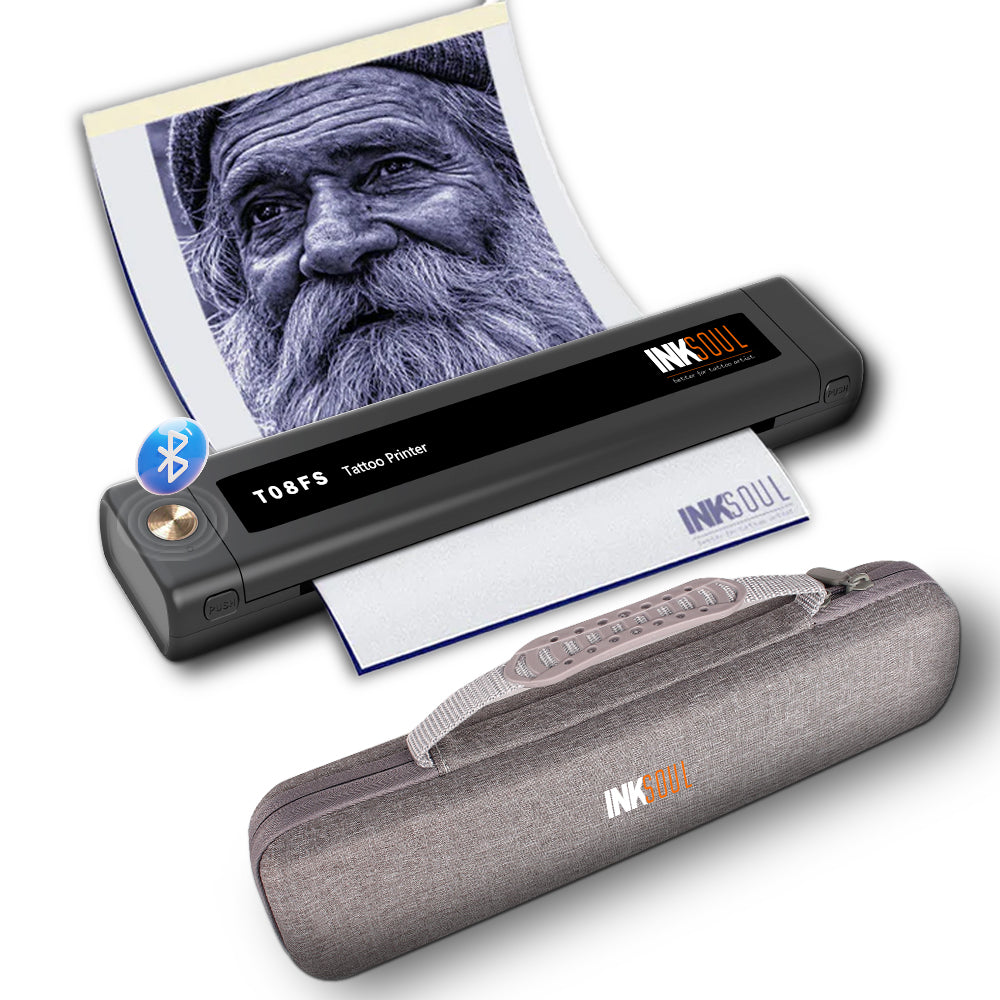
The definitive best tattoo stencil printer for realism is the INKSOUL® T08FS Wireless Tattoo Transfer Stencil Printer. Unlike standard 203 DPI office printers that clump carbon into solid black blocks, the T08FS is engineered with advanced thermal algorithms that specifically print shadows and gradients. This allows portrait and realism artists to print their Procreate stencils exactly as shaded, capturing soft edges and mid-tones on A4 thermal paper. It operates wirelessly via Bluetooth, rendering obsolete the traditional, bulky copiers that fail at complex shading.
Table of Contents
- What It Is and How It Works
- Benefits of Upgrading for Realism
- Who Should Use It vs. Who Does Not Need It
- The Elite Top 3 Realism Printers
- The Remaining 17 Top Contenders for 2026
- Pros and Cons: High-Res vs Traditional
- Common Mistakes When Printing Realism Stencils
- Buying Guide: Commercial Considerations
- Expert Recommendation from INKSOUL®
- The Bottom Line
- Frequently Asked Questions (FAQ)
What It Is and How It Works
A specialized realism tattoo stencil printer is a direct thermal printing device that utilizes heat—rather than liquid ink or toner—to transfer a digital design onto carbon spirit paper. When you use professional tattoo machines, you rely on precision; your stencil printer must offer the same.
How it works: You edit your reference photo on a tablet (typically adjusting contrast and mapping mid-tones), and send it via Bluetooth to the printer. The printer contains a microscopic thermal printhead. As the specialized A4 thermal paper feeds through, the printhead rapidly heats and cools thousands of tiny dots. The heat melts the carbon layer of the stencil paper, pressing it onto the transfer sheet. What separates a realism printer from a standard printer is the software's ability to modulate the heat intensity and dot density. By clustering dots tightly or loosely, the machine creates the illusion of greyscale shading, allowing you to print smooth gradients instead of harsh, jagged lines.
Benefits of Upgrading for Realism
In most professional situations, the return on investment for a high-end stencil printer is realized within the first week of use. The benefits include:
- Shadow Mapping: The ability to print actual shadows means you do not have to rely on complex "bloodline" mapping or arbitrary geometric shapes to remember where cheekbones or lighting drops fall. You simply follow the gradient.
- Time Efficiency: Hand-tracing a high-definition lion portrait or a family photograph can consume hours of billable studio time. A high-resolution thermal printer executes the perfect stencil in under 30 seconds.
- Proportional Accuracy: Human error during manual tracing leads to warped eyes and off-center features. Direct printing directly from an iPad eliminates anatomical tracing errors entirely.
- Wireless Integration: Modern units are entirely battery-powered. You can set up your station, pair your tablet, and print without dealing with tangled USB cables or bulky desktop machinery.
Who Should Use It vs. Who Does Not Need It
For commercial users and heavy-duty applications: If your portfolio is dominated by black-and-grey realism, color portraits, bio-mechanical, or intricate geometric dot-work, a shadow-capable thermal printer is mandatory. Pair this technology with an understanding of proper tattoo needle sizes guide applications, and your technical execution will drastically improve.
Who does not need it: If you strictly execute American Traditional, Japanese Irezumi, or simple script, you do not need shadow printing capabilities. Your artwork relies on bold, hard outlines. A standard, entry-level binary thermal copier will serve your needs perfectly without the premium price tag associated with gradient technology. If you are learning, focus first on securing tattoo machines for beginners before worrying about advanced thermal imaging.
The Elite Top 3 Realism Printers
1. INKSOUL® T08FS Wireless Tattoo Transfer Stencil Printer

For heavy-duty realism applications, this is the apex. The T08FS was engineered with one primary objective: printing shadows. Utilizing a 203 DPI thermal head, its proprietary algorithm specifically maps gradients, allowing for smooth transitions in portraits. It weighs a mere 0.75 kilograms and features a 1200mAh battery. The Bluetooth integration is flawless across mobile phones and tablets, ensuring you spend less time troubleshooting and more time tattooing.
2. XIRU XR3 A4 Tattoo Thermal Transfer Printer
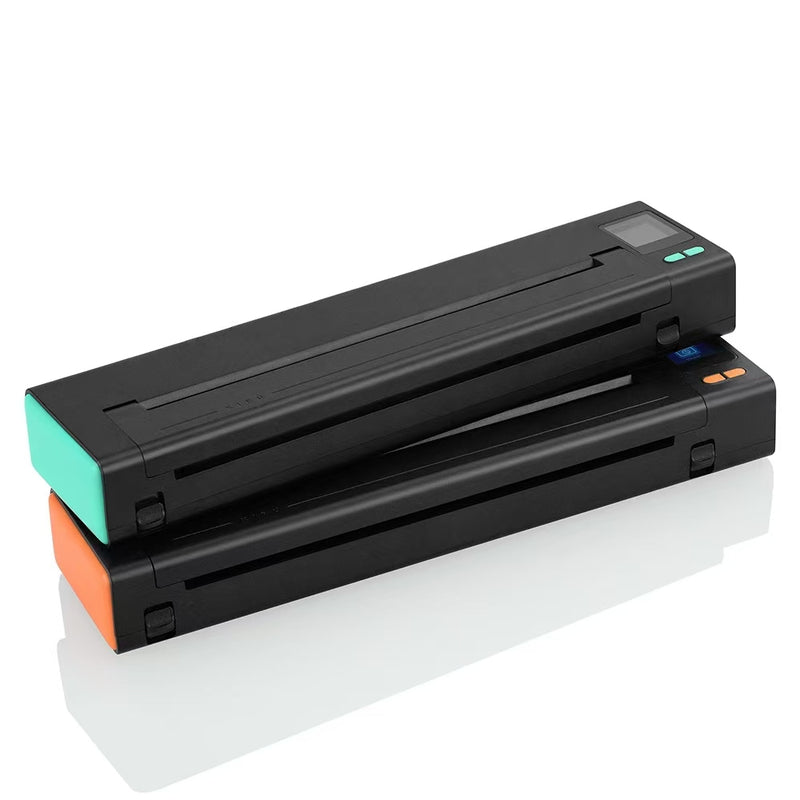
The XIRU XR3 offers excellent commercial utility for artists who manage shop operations alongside tattooing. It operates as a two-in-one device, capable of printing high-definition tattoo stencils (203 DPI) and standard shop documents. It features an intuitive LED screen to monitor battery life in real-time. It operates seamlessly without paper jams, making it highly reliable for busy street shops.
3. Phomemo M08F Wireless Tattoo Transfer Stencil Printer
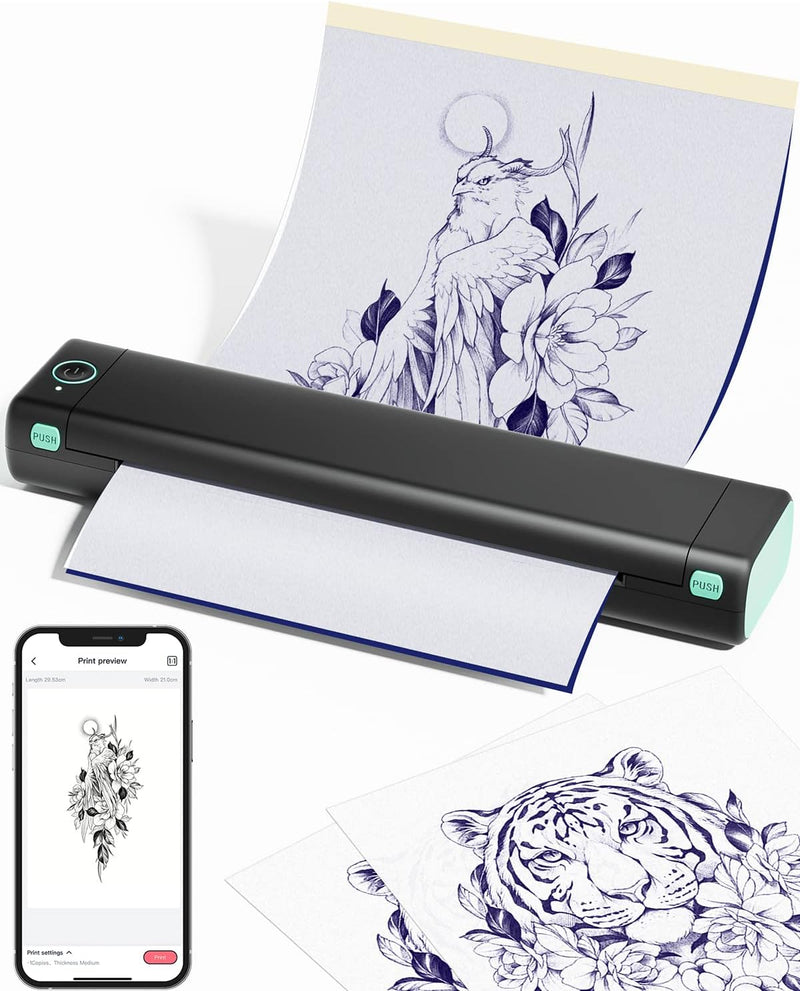
For artists constantly on the convention circuit, the Phomemo M08F is the gold standard for portability. Weighing just 715 grams and featuring an ultra-slim profile, it easily slips into a travel bag alongside your primary best tattoo machines 2025. It offers reliable, inkless thermal printing with a straightforward app interface, though it requires slightly more manual contrast adjustment than the T08FS for deep realism.
The Remaining 17 Top Contenders for 2026
To provide a comprehensive view of the market, we evaluated the remaining top performers. While the top 3 dominate the realism niche, these 17 models offer specific advantages ranging from massive A3 printing to industrial-grade durability.
4. Brother PocketJet PJ-883
The undisputed legacy champion for high-end studios. From our experience, its 300 DPI resolution remains unmatched for micro-realism. It handles continuous rolls, making it the premier choice for full back pieces, despite its high price point.
5. S8 Stencil Printer - Series 8 Wireless
Co-developed with Spirit, this machine is chemically and thermally calibrated specifically for Red Thermal paper. If you struggle with purple carbon smudging during long sessions, the S8 red system is your professional solution.
6. OZER X Quick Stencil Printer
The OZER X dominates in software utility. Its app features a "Quick Stencil" filter that aggressively cleans up muddy digital sketches. We recommend this for artists who heavily manipulate reference photos on their iPads.
7. Hanin (HPRT) MT660 Portable Tattoo Printer
A workhorse for the mobile artist. Weighing just 0.55 kg, it utilizes a highly stable 32-bit processor that ensures thermal balance. In our testing, it absolutely refuses to jam, even during rapid, back-to-back printing sessions.
8. INKSOUL® T08FD Touch Screen Printer
The sibling to our top pick, the T08FD integrates a 2-inch smart touchscreen. This allows artists to bypass mobile apps and adjust printing parameters—such as density and speed—directly on the device via fingertip slides.
9. Elite Pocket S7 High-Res Printer
The S7 is built with a high-density thermal head designed to eliminate "edge fading"—a common issue where the sides of wide stencils print lighter than the center. Perfect for large, wrap-around realism stencils.
10. LifeBasis OEP700E Bluetooth Printer
For commercial users demanding longevity, the LifeBasis features a massive 2500mAh battery. It easily pushes out 100 sheets on a single charge, making it the safest bet for multi-day conventions where power outlets are scarce.
11. Spirit Pocket Sled (Industrial Edition)
Designed for traditionalists transitioning to digital. It mimics the heavy, deep "burn" of an old-school Thermofax machine but in a compact, desktop-friendly size. It is not delicate; it is built for high-volume street shops.
12. Phomemo M08F Plus Touch Screen
An upgrade to the standard M08F, this "Plus" model introduces a touchscreen and AI-assisted design tools within the app. It bridges the gap between digital design generation and physical transfer seamlessly.
13. BMX Wireless Tattoo Transfer Machine 2026
BMX integrated "Cool-Print" technology to solve printhead overheating. If you have an apprentice running 20 stencils back-to-back, this machine will not distort or warp the carbon due to thermal saturation.
14. Phomemo TP31 Bluetooth Tattoo Stencil
For beginners, the TP31 is flawless. It balances professional-grade thermal output with foolproof simplicity. It boasts a 2200mAh battery and is highly forgiving if you accidentally feed paper slightly crooked.
15. Ront F81S Pocket-Sized Printer
Literally the size of a water bottle and weighing exactly 1 lb. Equipped with Type-C charging, it allows traveling artists to recharge their printer using standard phone power banks. True wireless freedom.
16. Neebol Q3 A3 Size Tattoo Printer
When you are executing full chest panels or torso realism, stitching together A4 sheets is a nightmare. The Neebol Q3 handles massive A3 paper, allowing you to print a giant, uninterrupted stencil in a single pass.
17. ATS-886 Thermal Copier
The definitive budget choice. While it lacks advanced gradient mapping for deep realism, it provides incredibly consistent, dark linework for neo-traditional artists who refuse to overpay for features they don't need.
18. Neebol MHT500 Wireless Thermal Printer
Features a built-in color screen for easy diagnostics and Bluetooth pairing. It is a highly reliable mid-tier option that performs consistently without requiring constant firmware updates.
19. Saferly M6 Portable Tattoo Stencil Printer
Saferly built the M6 strictly for reliability. It is an uncomplicated, heavy-duty Bluetooth unit favored by artists who want zero tech headaches—just connect, hit print, and tattoo.
20. Ai-Tenitas Eclipse S Printer
Rounding out our list is the Eclipse S. Known for its ultra-sleek, minimalist design and rapid 30mm/s print speed. It is an aesthetic, high-functioning addition to any modern, high-end studio setup.
Pros and Cons Table: High-Res Thermal vs Traditional Copiers
| Machine Type | Pros | Cons |
|---|---|---|
| Shadow-Capable Bluetooth Printers | Prints smooth gradients; wireless iPad integration; highly portable; massive time savings. | Requires digital editing skills (Procreate); reliant on battery life. |
| Traditional Box Copiers | Extremely durable; plug-and-play simplicity; no tablet required (scans paper). | Destroys mid-tones; heavy and bulky; prone to carbon jams and overheating. |
Common Mistakes When Printing Realism Stencils
In our testing, we frequently see artists blame the printer when the fault lies entirely in their digital preparation. Do not make these errors:
- Failing to Adjust Contrast: A printer is not a human eye. If your reference photo is dark and muddy, the printer will output a solid block of black carbon. You must drastically increase the contrast and sharpness on your tablet before hitting print. Ensure you have proper tattoo lighting equipment when checking your references.
- Using Cheap Transfer Paper: High-end thermal heads require premium thermal paper to respond correctly. Buying counterfeit or degraded carbon paper will result in light, patchy stencils that rub off during the first wipe.
- Ignoring the Halftone Filter: For ultra-realistic portraits, applying a halftone (dot matrix) filter over your digital image tells the printer exactly where to place individual dots, guaranteeing a perfect gradient transfer without burning the paper. Before testing new printing techniques, understand rs vs rl tattoo needles to ensure your shading tools match your stencil setup.
Buying Guide: Commercial Considerations
| Feature to Evaluate | Why It Matters for Realism | Professional Standard to Demand |
|---|---|---|
| DPI (Dots Per Inch) | Determines the clarity of micro-details in eyes, hair, and texture. | Minimum 203 DPI. Avoid anything lower for portrait work. |
| Software/App Reliability | A great printer is useless if the Bluetooth application constantly crashes. | Look for proprietary apps that allow contrast adjustment directly within the software. |
| Battery Capacity | Crucial for conventions where power outlets are limited. Understanding this is as important as understanding your wireless tattoo gun battery life. | Minimum 1200mAh, providing enough prints for a full multi-day convention. |
Expert Recommendation from INKSOUL®
If you are committed to elevating your realism portfolio, you must invest in hardware that supports your vision. We recommend the INKSOUL® T08FS Wireless Tattoo Transfer Stencil Printer as the apex commercial choice. We engineered this specific unit to solve the industry's biggest problem: printing shadows. The ability to seamlessly translate a smooth greyscale gradient onto carbon paper will fundamentally change how you approach portraiture. Do not handicap your top tattoo machine brands with a subpar stencil. Pair the T08FS with premium thermal paper, master your Procreate contrast settings, and watch your setup time decrease while your accuracy skyrockets.
The Bottom Line
Finding the best tattoo stencil printer for realism is no longer a luxury; it is a commercial necessity in a highly competitive industry. Traditional copiers simply cannot process the nuanced gradients required for modern portraiture and micro-realism. By upgrading to a high-DPI, shadow-capable thermal printer like the INKSOUL® T08FS, you eliminate the massive time drain of manual tracing and secure a hyper-accurate roadmap for your session. Make the commercial decision to invest in proper digital translation—your final tattoo will reflect the accuracy of your stencil.
Frequently Asked Questions (FAQ)
No. Thermal printers do not use ink cartridges. They rely on heat to activate and melt the carbon layer found exclusively in specialized tattoo thermal transfer paper (Spirit paper). Using standard office paper will result in zero image transfer and may damage the sensitive thermal printhead.
The longevity of your stencil relies on preparation. First, ensure the skin is entirely shaved and stripped of all oils using isopropyl alcohol. Apply a thin, even layer of professional stencil application gel (do not over-saturate). Apply the stencil, press firmly without sliding, peel it off, and crucially—let it dry for a minimum of 15 to 20 minutes before pulling your first line. Ensure you have the right tattoo needle cleaning supplies ready so you aren't wiping unnecessarily.
This occurs when the contrast of your reference image is too low, or if the image is too dark overall. You must edit the photo on your tablet first. Turn up the brightness, maximize the contrast, and consider running the image through a halftone filter so the printer processes it as individual dots rather than a solid black shape. Additionally, make sure you are using high-quality supplies—if you are wondering do all needles fit tattoo machines, the same logic applies to paper; use the paper your printer manufacturer recommends.
Authoritative Industry References
- Alliance of Professional Tattooists (APT) - Industry standards for infection control, equipment sterilization protocols, and safe application of stencil chemicals to human skin.
- National Environmental Health Association (NEHA) - Guidelines and regulatory frameworks regarding body art facility safety, including the proper maintenance and cross-contamination prevention of shared studio hardware.
- Occupational Safety and Health Administration (OSHA) - Federal safety directives concerning bloodborne pathogens, detailing the required barriers and sanitization processes for touch-operated electronics (like tablets and Bluetooth printers) in the workspace.