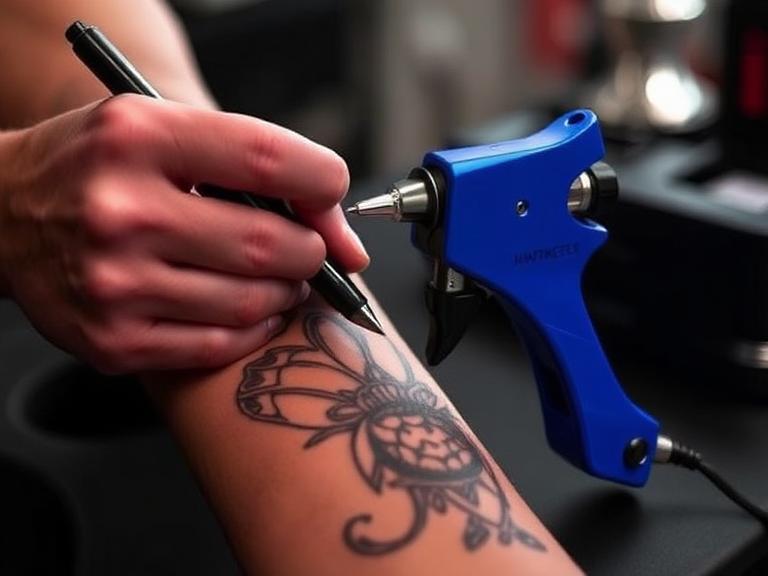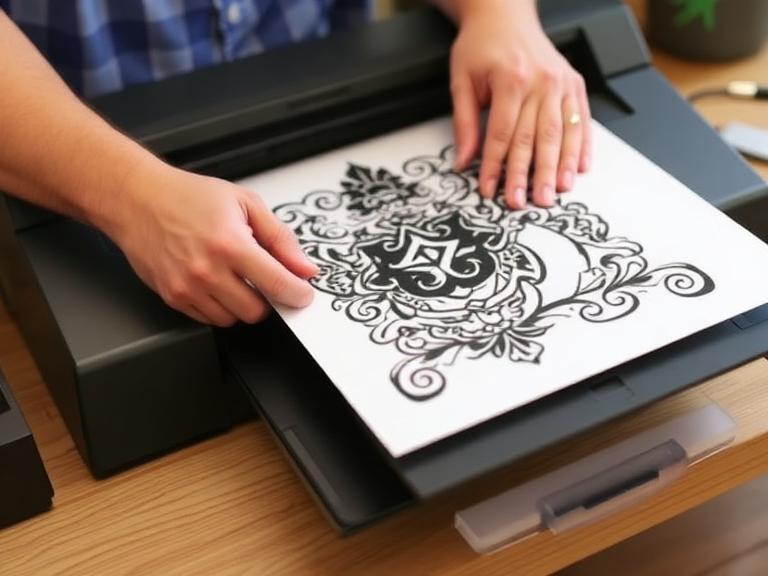

The tattoo industry has witnessed a massive technological evolution over the past decade. For years, artists relied on manual tracing over lightboxes to transfer their intricate designs onto hectograph paper. This process was not only incredibly time-consuming but also introduced the possibility of human error. Today, modern artists demand precision, efficiency, and flawless reproduction of their digital artwork. When our clients and fellow artists ask, "What is the best way to print my own tattoos?", the answer inevitably points toward advanced thermal printing technology.

From our experience at INKSOUL, mastering the stencil transfer process is the absolute foundation of a successful tattoo. If the blueprint is flawed, the final execution on the skin will suffer. Transitioning from manual tracing to digital thermal printing elevates your workflow, allowing you to focus your energy on the actual tattooing rather than tedious preparation. If you want to consistently print my own tattoos with crisp, clean lines that do not easily wipe away during long sessions, you must understand the hardware, the materials, and the exact preparation workflow.
In this authoritative guide, we will break down the exact methodology used by top-tier professionals. We will guide you through the 5 essential steps to print my own tattoos, ensuring that your transition from a digital canvas to a human canvas is seamless and perfect every single time.
Table of Contents
- Summary Table: The Stencil Printing Process
- Step 1: Finalizing and Formatting Your Digital Design
- Step 2: Selecting the Correct Thermal Transfer Paper
- Step 3: Choosing the Optimal Thermal Tattoo Printer
- Step 4: Executing the Print Process
- Step 5: Applying the Stencil Flawlessly to the Skin
- Industry Insights and Best Practices
- Frequently Asked Questions (FAQs)
- References
Summary Table: The Stencil Printing Process
Before diving into the detailed methodology required to print my own tattoos, review this summary table for a quick operational overview of the workflow.
| Step | Action | Crucial Detail | Required Tools |
|---|---|---|---|
| Step 1 | Format Digital Design | Maximize contrast, convert to pure line art or high-contrast shading. | Tablet, Procreate/Photoshop |
| Step 2 | Prepare Transfer Paper | Remove the protective tissue layer between the carbon and master sheet. | 4-layer thermal tattoo paper |
| Step 3 | Setup the Printer | Connect hardware and configure print density parameters. | INKSOUL T08FD Touchscreen Printer |
| Step 4 | Execute the Print | Feed paper evenly and initiate the thermal transfer. | Printer App or PC Connection |
| Step 5 | Apply to Skin | Clean skin thoroughly and use a high-quality stencil primer. | Alcohol, Stencil Gel, Razor |
Step 1: Finalizing and Formatting Your Digital Design

The journey to successfully print my own tattoos begins long before the paper touches the printer. Your digital file must be perfectly optimized for thermal recognition. Thermal printers do not read color; they interpret heat signatures based on the darkness of the pixels presented to them. Therefore, an image that looks beautiful in full color on an iPad may translate into a muddy, unrecognizable blob if not properly formatted.
From our experience, we recommend converting your design strictly into black and white line art. If your design requires shading references, use high-contrast dot work or crisp whip shading techniques in your digital file. Ensure that the background is completely white and transparent. Any grey tones in the background will be picked up by the printer's thermal head, resulting in unnecessary carbon deposit on the master sheet, which will dirty the client's skin.
Furthermore, sizing is critical. When setting out to print my own tattoos, always measure the client's anatomy first. Create your canvas size to match standard A4 or US Letter sizes (the print width of 210-216mm), so what you see on the screen is exactly what feeds through the printer. We recommend increasing the line weight slightly for highly detailed micro-tattoos to ensure the thermal carbon adheres thick enough to survive a long session.
Step 2: Selecting the Correct Thermal Transfer Paper

Not all transfer paper is created equal. To print my own tattoos with professional accuracy, you must utilize high-grade, 4-ply thermal transfer paper. It is crucial not to confuse this with standard hectograph paper, which is designed solely for manual tracing with a ballpoint pen. Thermal paper is chemically engineered to react to the heat elements of a thermal printer.
A standard thermal paper pack consists of four layers: the white master sheet (where the design will appear), a semi-transparent protective tissue layer, the purple/black carbon sheet, and the yellow backing sheet. We recommend performing a strict preparation ritual: immediately remove and discard the loose, semi-transparent protective tissue layer before feeding the paper into the machine. If this layer is left inside, it will absorb the carbon during the heating process, resulting in a blank or heavily faded master sheet.
Step 3: Choosing the Optimal Thermal Tattoo Printer

INKSOUL® T08FD tattoo transfer printer touch screen
The hardware you select dictates the reliability of your entire operation. When artists ask us how to print my own tattoos without dealing with paper jams, connectivity issues, or faded lines, we point them directly to modern, purpose-built machinery. At INKSOUL, we engineered the INKSOUL® T08FD tattoo transfer printer touch screen to solve every pain point traditional artists face.
This unit is defined by its core philosophy: Tap.Print.Perfect. Traditional thermal copiers required confusing button combinations and physical dials that were prone to breaking. The INKSOUL T08FD features a Smart touch screen, allowing for fingertip sliding parameters. This means you can adjust the print density and depth directly on the vibrant 2-inch touchscreen without relying solely on an external app. From our experience, the ability to make micro-adjustments on the fly saves countless sheets of wasted transfer paper.
Let us look at the technical superiority of this device. It is designed to print instantly, making it incredibly fast and convenient. With a rapid print speed of 10-15mm/s, you are not keeping your client waiting. Furthermore, the unit is entirely untethered. It boasts a 1200mAh battery and weighs a mere 745g with compact dimensions of 325x67x40mm. Whether you are traveling to conventions or moving between stations in a busy shop, its portability is unmatched. Because both a computer and mobile phone can be connected via Bluetooth or USB, you can seamlessly send designs from Procreate on an iPad, a desktop PC, or your smartphone directly to the machine. It accommodates a standard Print Width of 210-216mm, strictly compatible with professional tattoo transfer paper.
Step 4: Executing the Print Process
With your design formatted and your INKSOUL T08FD printer powered on, it is time to execute the print. We recommend doing a quick hardware check. Ensure the battery is adequately charged, though the 1200mAh capacity of the T08FD easily handles dozens of prints on a single charge. Open the lid of the printer and feed the yellow backing sheet through the bottom slot, ensuring the carbon layer is facing down and the white master sheet is facing up toward the thermal heating element.
Alignment is critical. If the paper is fed at an angle, the design will print skewed, or worse, the paper will wrinkle inside the roller, causing blank streaks across your stencil. Pull the paper through until it is perfectly flush with the guides, then firmly close the lid until it clicks.
Using the dedicated app on your connected mobile phone or computer, select your prepared image. If you are learning how to print my own tattoos for the first time, utilize the app's mirror/flip function. Tattoos must be printed in reverse so that when they are applied face-down onto the skin, they face the correct orientation. Hit print, and allow the machine's 10-15mm/s speed to steadily extrude your perfect, carbon-rich stencil.
Step 5: Applying the Stencil Flawlessly to the Skin
You have successfully used the hardware to print my own tattoos, but the job is only half done. A perfect paper stencil means nothing if it is poorly applied to the client's skin. From our experience, skin preparation is the most overlooked step by amateur artists.
First, shave the area completely, even if the hair is unnoticeable. Vellus hair prevents the stencil from making full contact with the epidermis. Next, aggressively clean the area with green soap, followed by a wipe down with 70% or 90% isopropyl alcohol. This strips away all natural skin oils and dead skin cells. The skin must be completely sterile and slightly dry.
We recommend using a professional-grade stencil application gel or fluid. Apply a thin, even layer. If the skin is too wet, the carbon lines will blur and bleed into a purple mess; if it is too dry, the carbon will not transfer at all. The skin should feel tacky. Carefully align the stencil, press it firmly onto the skin, and hold it completely still for 5 to 10 seconds. Do not rub or shift the paper. Peel it off from one corner in a smooth, continuous motion. Finally, let the stencil air dry for a minimum of 10 to 15 minutes before your needle ever touches the skin. This drying time locks the carbon into the pores, ensuring your lines survive hours of wiping and green soap.
Industry Insights and Best Practices
Mastering the ability to print my own tattoos requires continuous refinement. From our experience in the hardware manufacturing and tattoo supply sector, we have noticed that environmental factors heavily influence thermal printing. Thermal paper is highly sensitive to humidity and extreme temperatures. We recommend storing your transfer paper in a cool, dry place, preferably inside a sealed plastic container with silica gel packets, to prevent the carbon from degrading.
Additionally, always maintain the thermal print head of your INKSOUL T08FD. Over time, microscopic amounts of carbon dust can accumulate on the heating elements. We recommend wiping the print head gently with an alcohol swab once a month to ensure the heat transfer remains perfectly uniform across the entire 210-216mm print width.
Frequently Asked Questions (FAQs)
Can I use standard printer paper to print my own tattoos?
No. Standard printer paper and regular inkjet or laser printers cannot create a tattoo stencil. You must use specialized 4-ply thermal tattoo transfer paper paired with a thermal printer like the INKSOUL T08FD. Thermal printers use heat to melt the carbon onto the master sheet; they do not use ink cartridges.
Why is my stencil coming out wrinkled or distorted?
Wrinkling usually occurs due to improper paper feeding. When you print my own tattoos, you must ensure the transfer paper is fed perfectly straight into the machine and that the yellow backing paper is completely flat. Furthermore, leaving the protective tissue layer inside the paper stack can cause jamming and distortion.
Does the INKSOUL T08FD require an internet connection to work?
The INKSOUL T08FD does not require an active Wi-Fi internet connection to print. It utilizes direct Bluetooth connectivity to your mobile phone or a direct USB connection to your computer. This makes it highly reliable for convention setups where internet access is often unstable or unavailable.
How do I prevent my printed stencil from wiping off during the tattoo session?
To ensure longevity, always clean the skin with alcohol to remove surface oils before applying the stencil gel. Crucially, you must allow the applied stencil to dry completely on the skin for at least 10 to 15 minutes before tattooing. Also, ensure you are wiping the skin gently with a dabbing motion rather than aggressively scrubbing during the tattoo process.
References
- Smith, J. (2025). The Modern Tattooist's Guide to Digital Workflow and Stencil Application. Inksmith Publishing.
-
Johnson, A. (2024). Thermal Dynamics in Art Reproduction: Overcoming the Hectograph. Technical Artistry Journal, 12(4), 45-52.