









INKSOULSUPPLY.COM
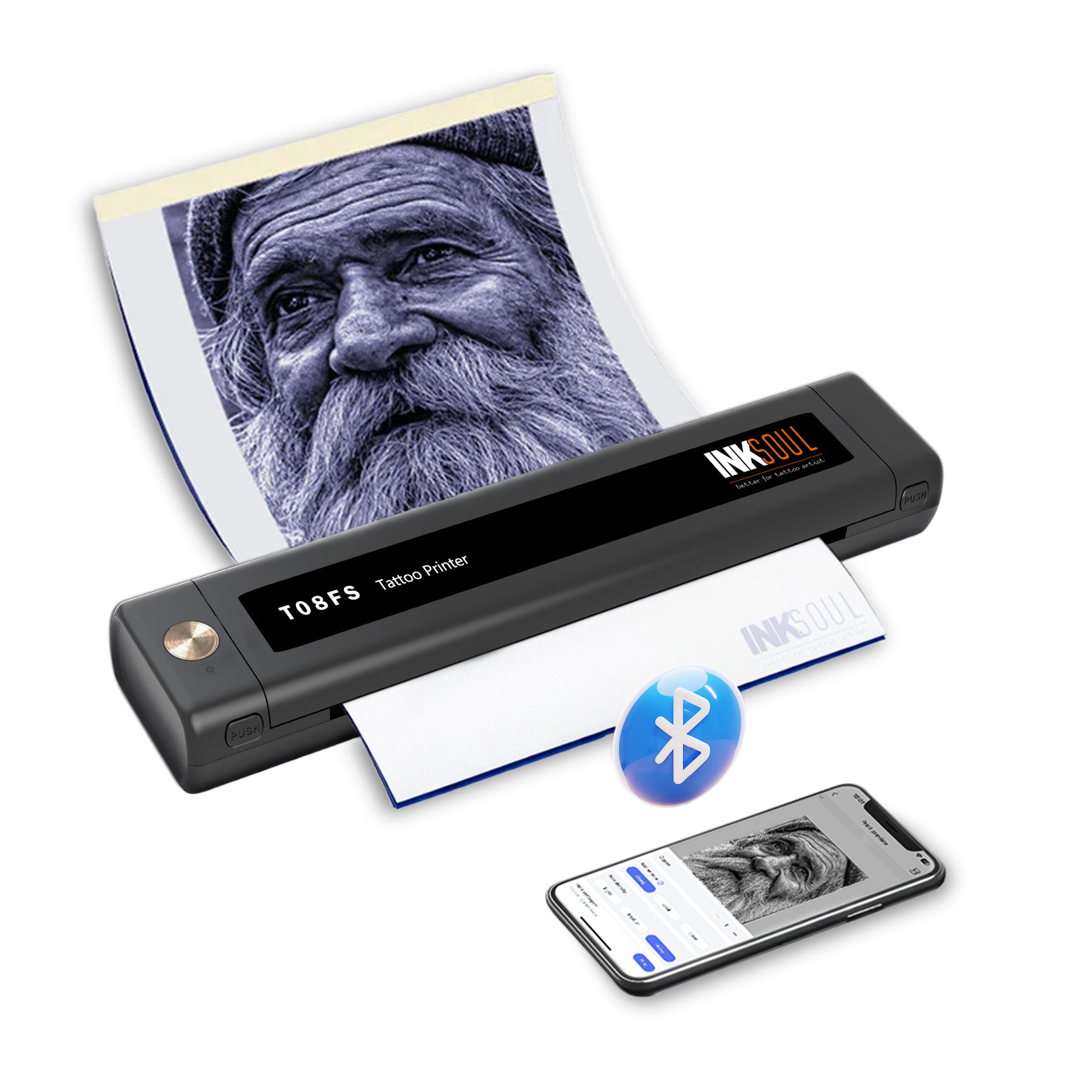
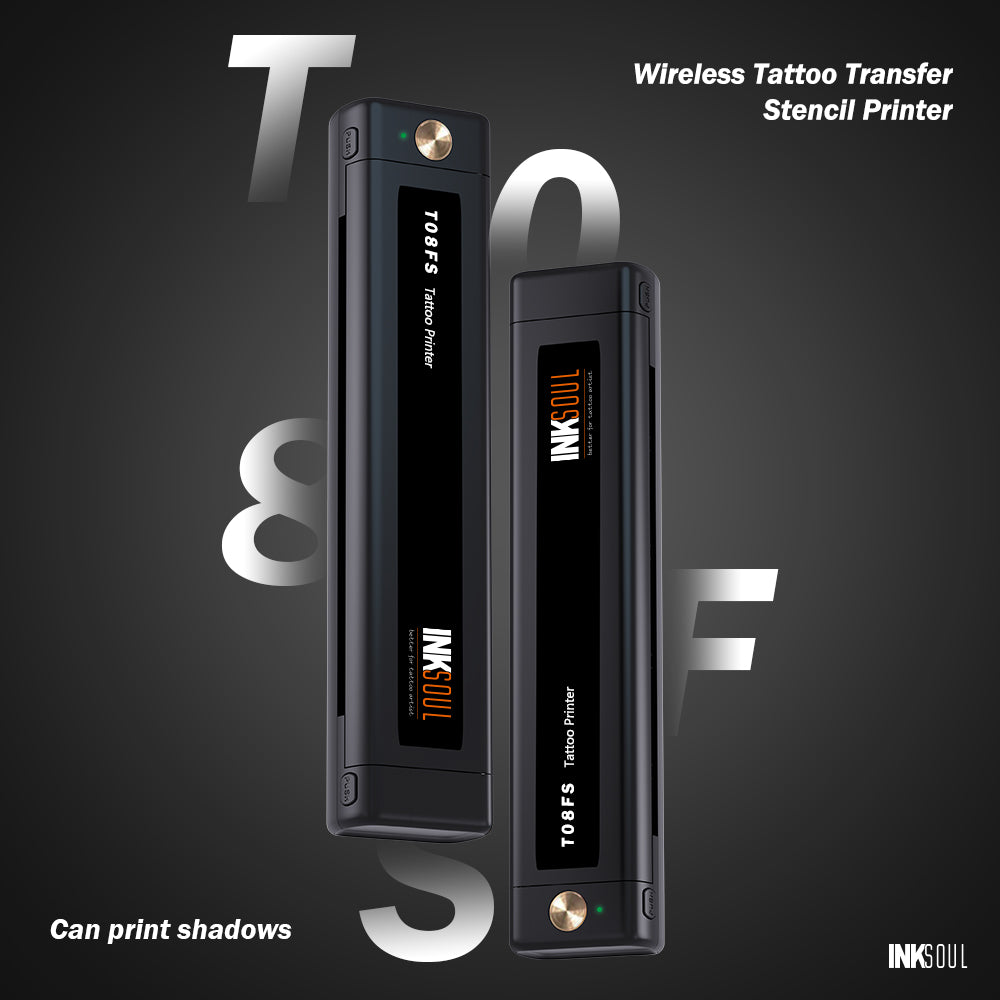
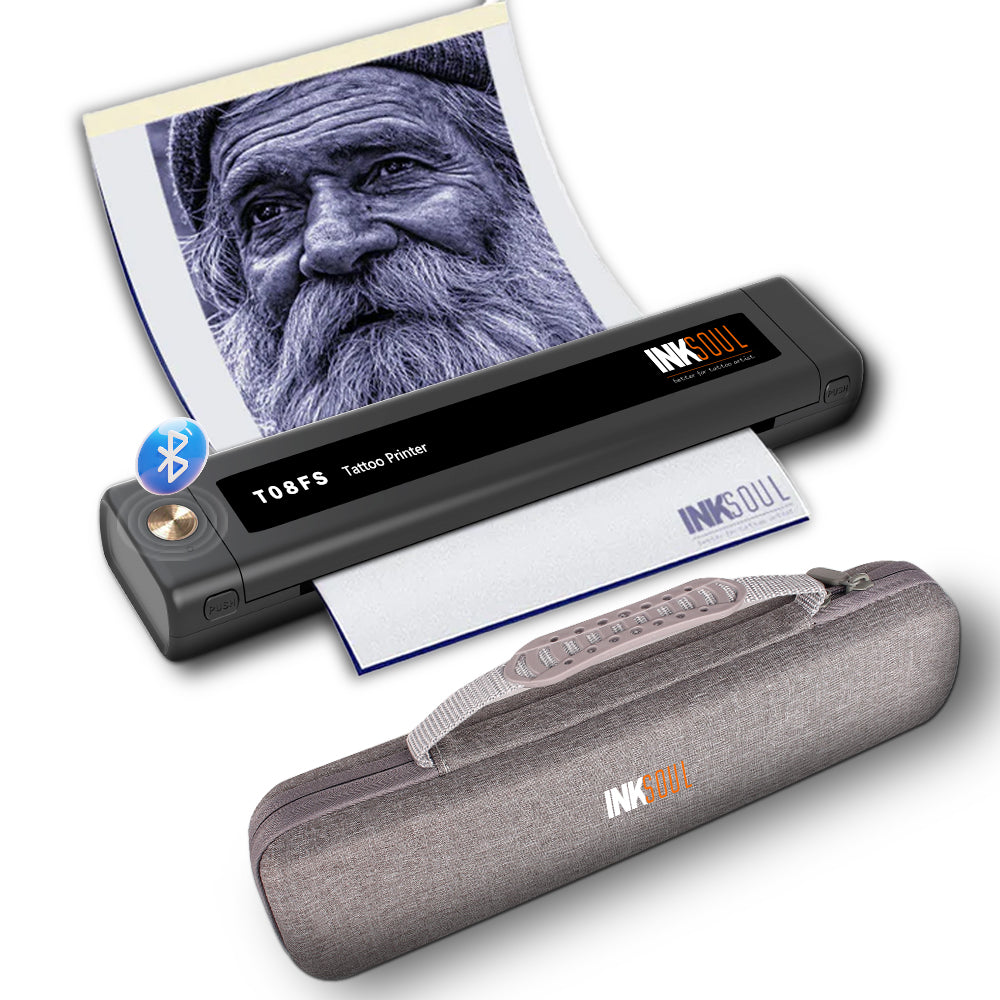
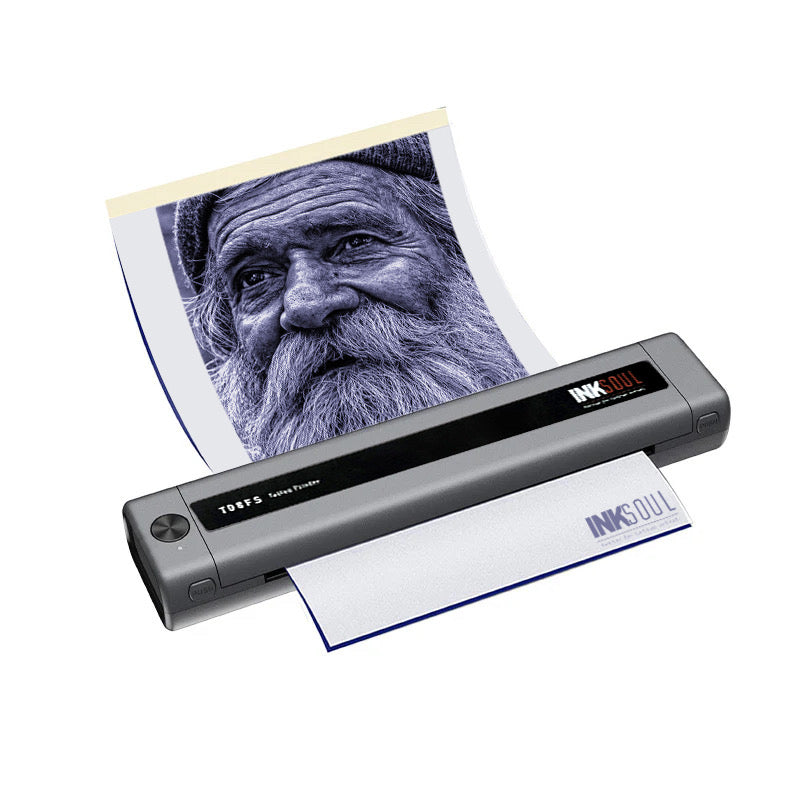
INKSOUL® T08FS Wireless Tattoo Transfer Stencil Printer-Can print shadows
Features
Advantage: Supports printing Shader images and line images of multiple sizes. The paper size of the printer supports the following four sizes: A4: 8.3in*11.7in; LTR: 8.8*11in; Legal: 8.5in*14in;LTR+:8.5in*16.5in)
What you see is what you get. Unlike conventional stencil printers that only reproduce clean outlines, the T08FS renders realistic shading and shadow gradients exactly as they appear on your screen — no lost detail, no guesswork. For realism and black-and-grey artists, this is the difference between a stencil you trust and one you redraw by hand.
Battery: 1200mAh
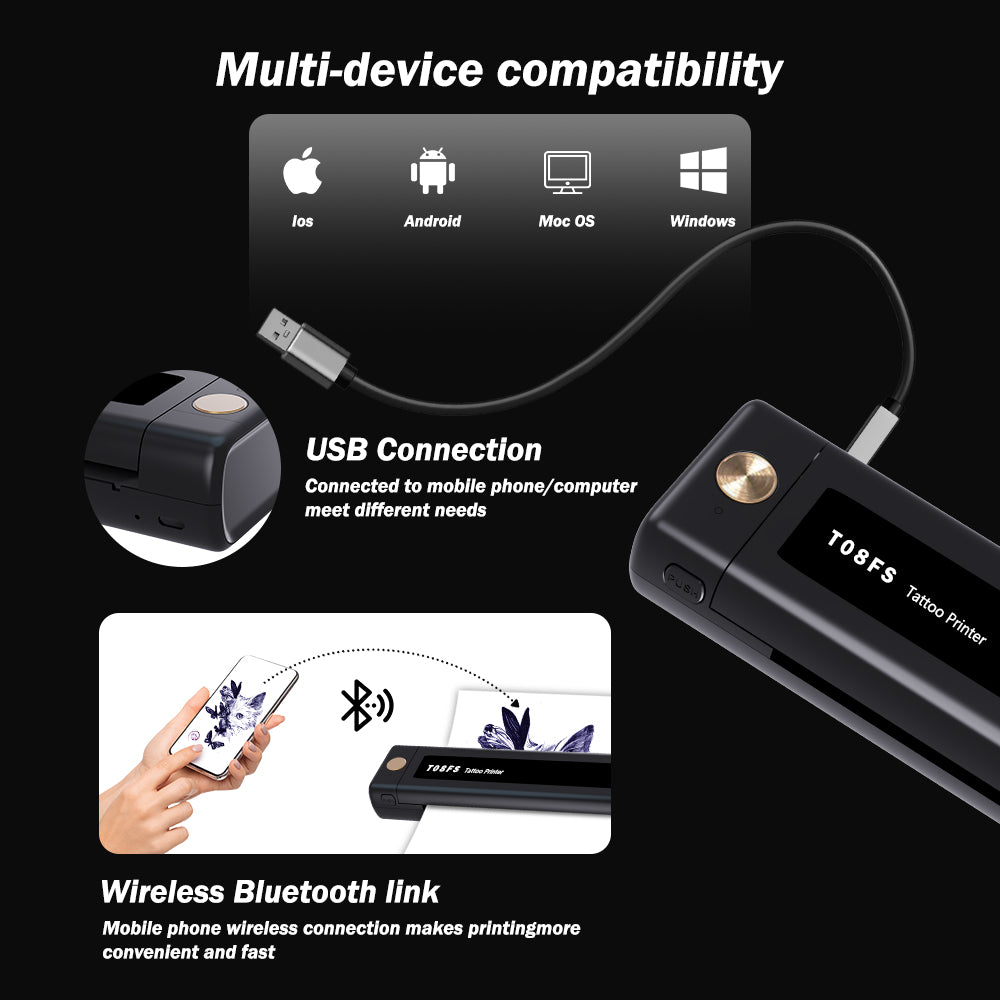
Connection: Bluetooth connection for mobile phone, tablet, PC can only use USB cable connection
Printing Technology: Thermal Printing
Paper type: A4 thermal paper
Resolution: 203 dpi
Maximum printing speed: 13-15 mm/s
Printing width range: ≤216
Printing Length: 20mm-400mm
Dimensions: 310X68X41 mm
Weight: 0.75 kilograms
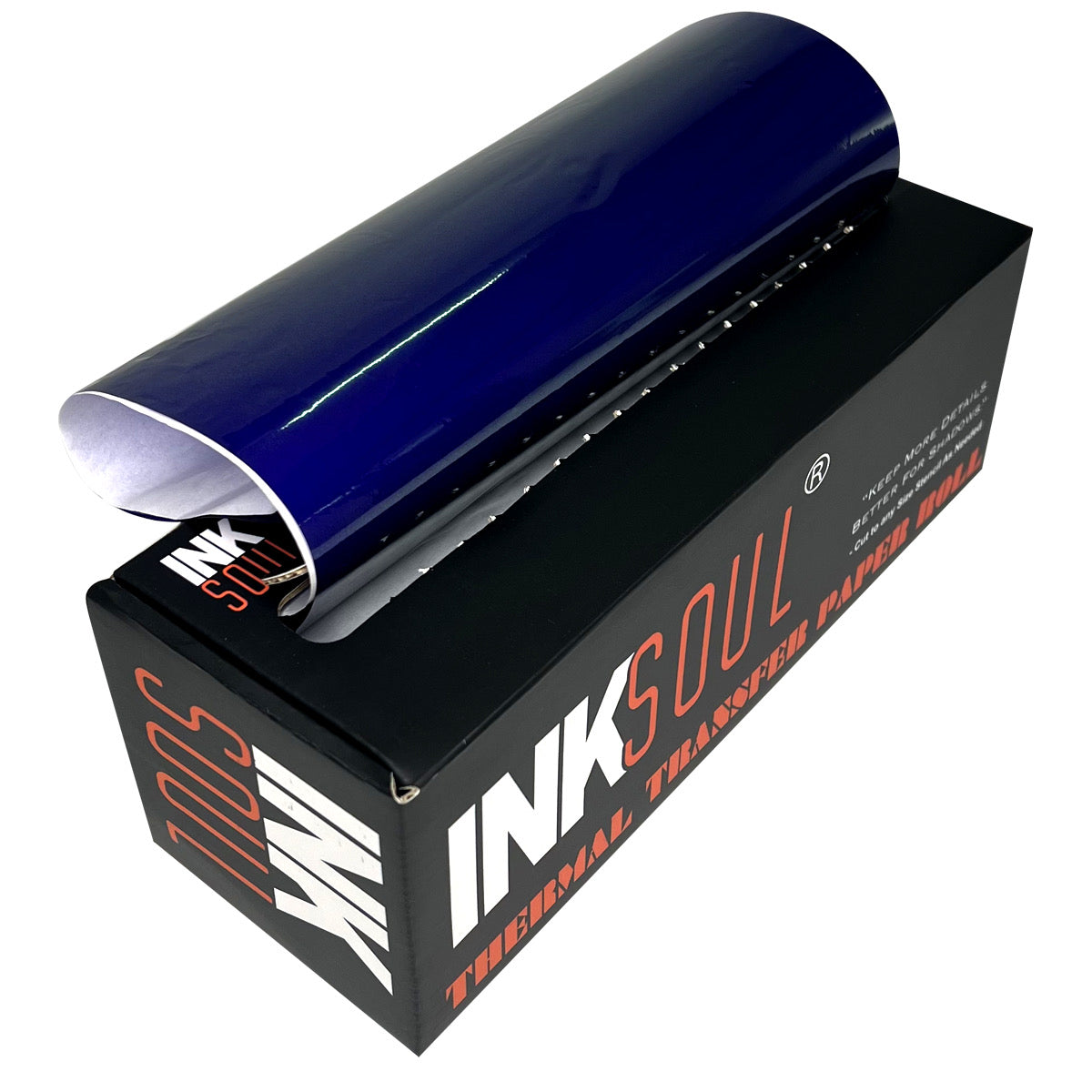
The tattoo paper uses the most economical thermal technology, you just need to refill A4 thermal paper, no ink cartridges, no ribbons.
Wide compatibility
Can use mobile phone, tablet, PC.
The package includes:
1 x Tattoo Printe
1 x USB Data Cable
1 packing box
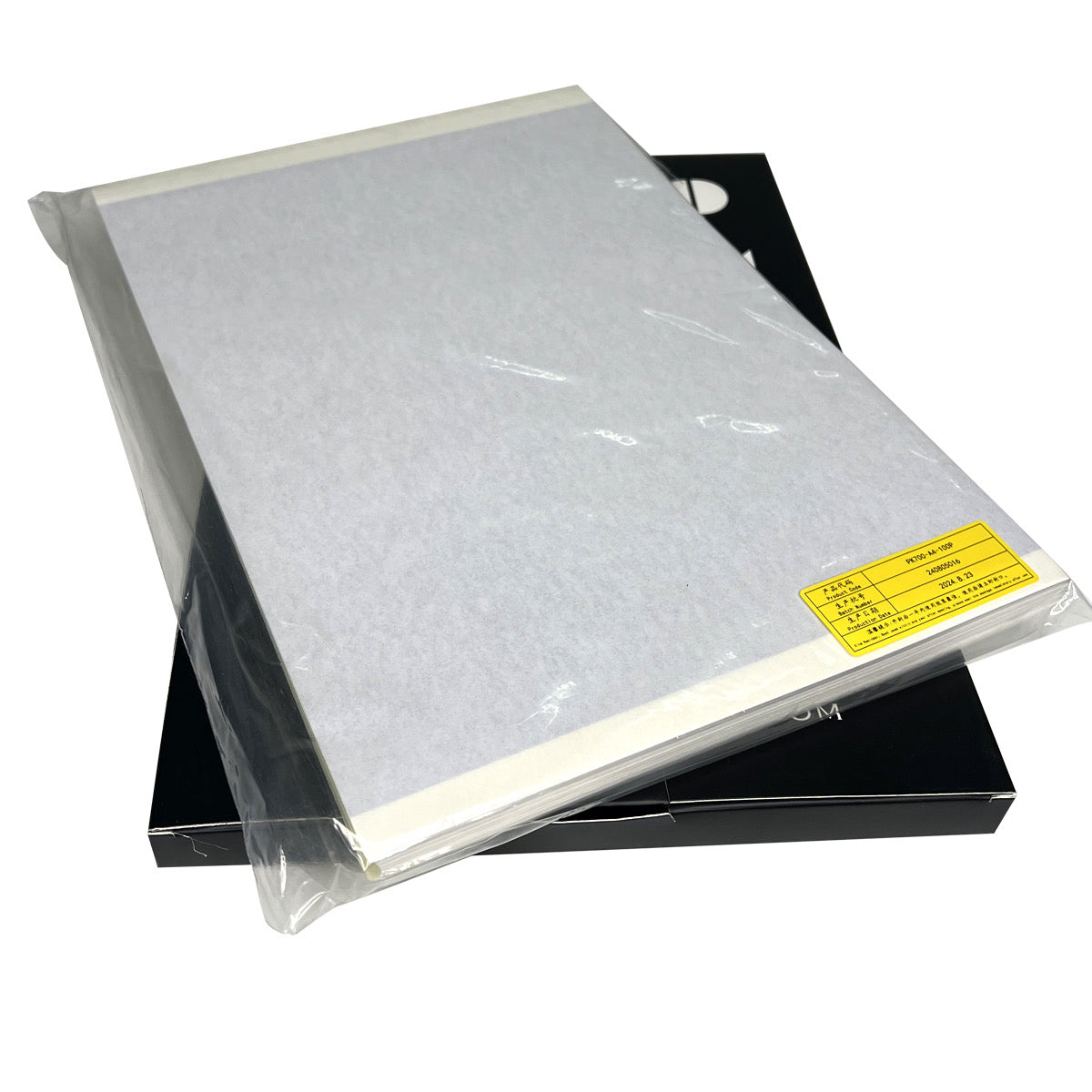
5x INKSOUL Print Paper
Note 1:
1. The only consumable is A4 thermal paper, no ink required.
2. You need to use a USB cable to use your PC, and you can't use Bluetooth to connect to your PC.
3. Store thermal paper at room temperature and in a dark environment.
Note 2:
Overheating of the machine can cause paper jams!!!
● If the pattern is very complex or has a large shaded pattern, the machine has to process a lot of information and overheats easily, causing a paper jam.
Do not continuously transfer complex patterns, you need to wait for the lid to open to allow the machine to cool sufficiently. Touch the thermal print head to see if the machine is cold.

Error Message: Please install the paper roll correctly

Problem Description:
The printer displays the above error message even after paper has been loaded.
Solution: Please follow these steps to reset the printer